
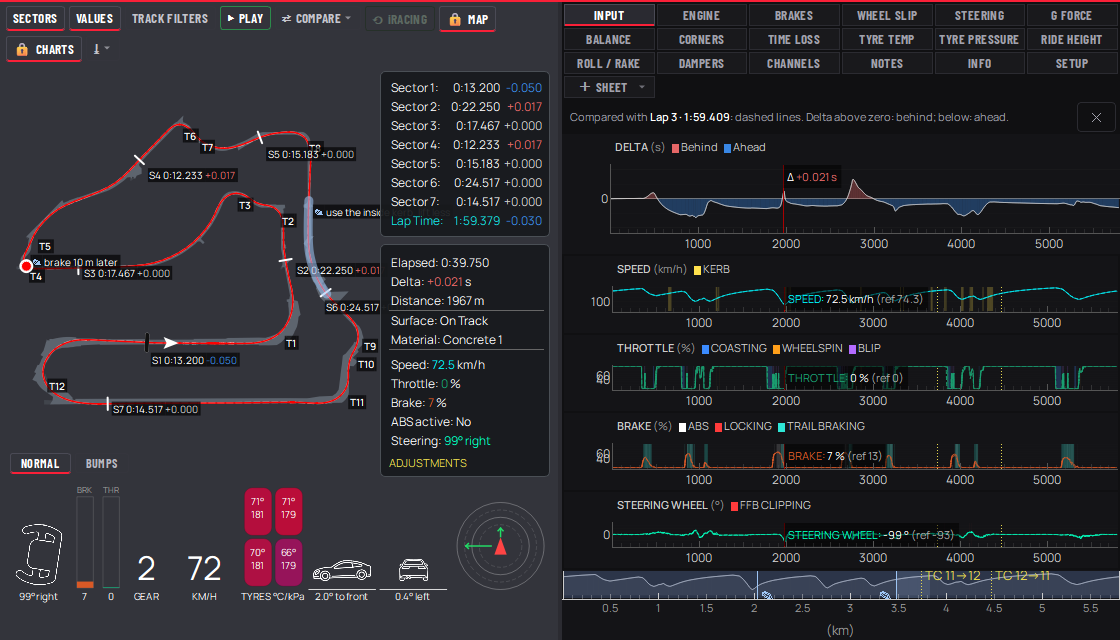
Session & setup
Your telemetry library · Session laps
File details · Session lapsFind a recording and check its context before comparing laps.
 File details · Session laps · 01Enlarge screenshot
 File details · Session laps · 02Enlarge screenshot
What to look for
The file list shows track, car, lap count, best lap, modification time and size. The detail panel adds the driver, session type, in-sim date and available weather information. These are details stored in the file, not current weather or a live session feed. The lap table highlights the best lap and sector times. The ideal lap combines the best sectors from the file; it is a constructed reference, not a lap that was actually driven.
Make it your own
Choose your telemetry folder and search by track, car, driver or date. Hover a file to preview its details; click to open its laps. Personal records helps you revisit your best times by track and car. Open a lap in its own viewer, inspect the lap-by-lap summary or compare the setup with another file. The library also supports file search and personal records by track and car.


